

Systematic Stock
Inventory, sales, purchasing and staff for multi-warehouse businesses, from any browser.
Runs on Web · Tablet
Built for Wholesalers · Distributors · Multi-store retail


Product types: standard, combo, digital, service
4
Languages, with full Arabic
4
Access from any browser, on any device
24/7
A web-based stock and point of sale system for wholesalers and multi-store retailers: warehouses, variants, batches and expiry, quotations to invoices, purchasing with landed costs, accounts, HR and payroll, and e-commerce sync.
Sell from the counter or the warehouse
Pick the warehouse and customer, browse by category or brand, or scan a barcode. Discounts, coupons, tax and shipping are on the same screen.
- Product grid by category, brand or featured
- Barcode, name, code or IMEI search
- Hold an order and finish it later
- Cash register per warehouse
Every item, in every warehouse
Standard, combo, digital and service products with variants, batches, expiry dates, IMEI and serial numbers, and stock per warehouse.
- Variants such as size and colour
- Batches and expiry dates
- Barcode labels in many formats
- Stock counts and quantity adjustments
From quote to invoice to delivery
Turn a quotation into a sale, ship it with a delivery and packing slip, and take part payments with the balance tracked per customer.
- Quotations converted into sales
- Deliveries, couriers and packing slips
- Part payments and customer balances
- Sale returns with stock restored
Buy at the right cost
Purchase orders with supplier invoices, exchange rates and landed costs, received into the warehouse you choose.
- Supplier invoices in any currency
- Invoice charges added to the cost
- Partial receiving and purchase returns
- Supplier balances and history
Money in, money out, in one place
Cash and bank accounts move with every sale, purchase and expense. Transfer between accounts, follow each balance and close the period with a balance sheet.
- Cash and bank accounts with running balances
- Expenses by category, warehouse and account
- Money transfers between accounts
- Profit and loss and a balance sheet
See what sells and what sits
Stock value by warehouse, what each product bought, sold and returned, and your best sellers, ready to export to PDF, CSV or Excel.
- Stock quantity and value per warehouse
- Product report: bought, sold and returned
- Best sellers by period
- Every report exports to PDF, CSV or Excel
Your staff, their pay and what they can do
Keep employees by department with salary and commission, track attendance, leave and holidays, run payroll with overtime, and give each role only the screens it needs.
- Departments, salary and commission
- Attendance, leave and holidays
- Payroll with overtime
- Roles with permissions per screen
Connected to the way you sell
Take card payments online, keep a WooCommerce store in sync, issue Saudi e-invoices and get stock alerts on your phone.
- Stripe, PayPal, Razorpay and Xendit
- WooCommerce products and orders in sync
- ZATCA e-invoicing, phase 1 and 2
- SMS, Telegram and email alerts
Sell in any currency
Each sale carries its own currency and exchange rate, with tax, discount and shipping on the same invoice, and the books still add up in your main currency.
- Currency and exchange rate per sale
- Order tax, discount and shipping
- Walk-in or named customers
- Payment status from the same screen
Every kind of product
Standard products, variants and multiple units, combos, digital products and services, each with its own code, barcode type, cost and price.
- Standard, variant, combo, digital and service
- Several units of measure per product
- Barcodes in Code 128, EAN-13, UPC and more
- Wholesale price and margin per product
Print your own barcode labels
Pick the products, choose what goes on the label, such as name, price, promotional price and brand, and print on standard label sheets.
- Name, price and promotional price on the label
- Your business name and brand
- Standard sheets of 20, 30, 32 and more labels
- Quantities per product in one print
Customer groups, points and deposits
Put customers in groups with discount plans, let them collect reward points, and keep deposits and amounts due on the same list.
- Customer groups and discount plans
- Reward points per customer
- Deposits held on account
- What each customer still owes
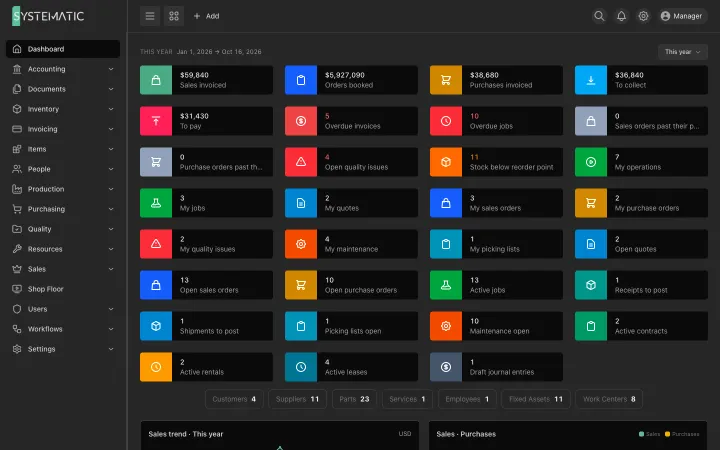
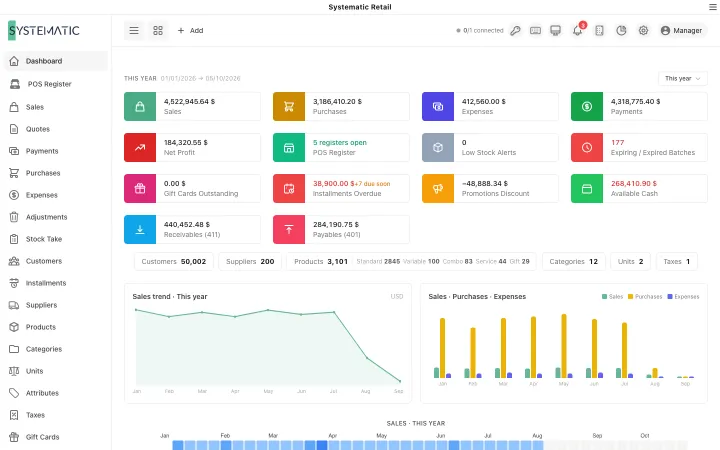
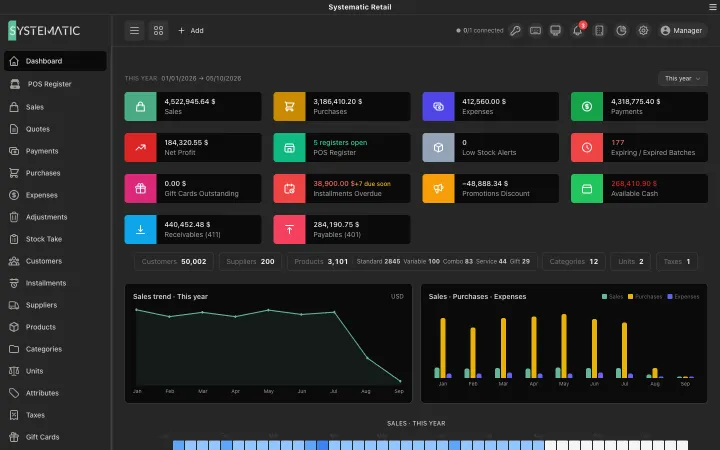
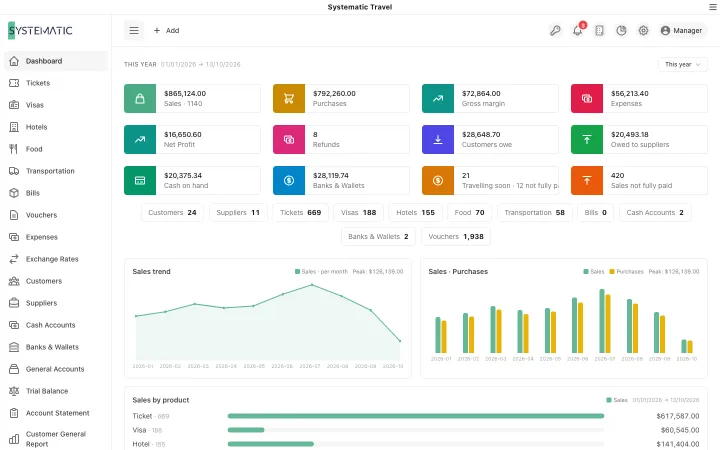
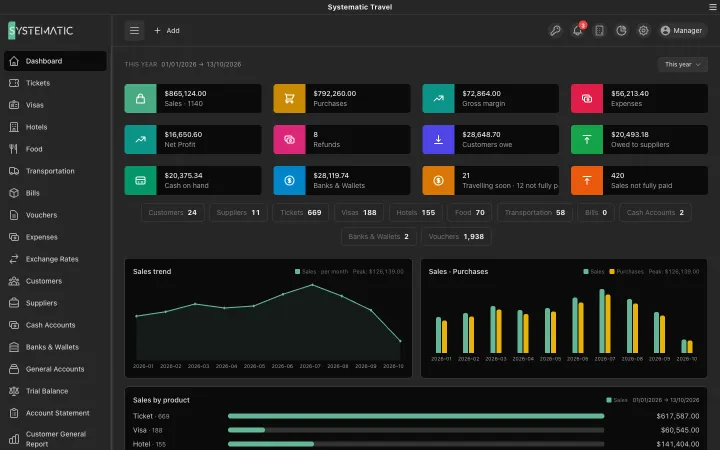
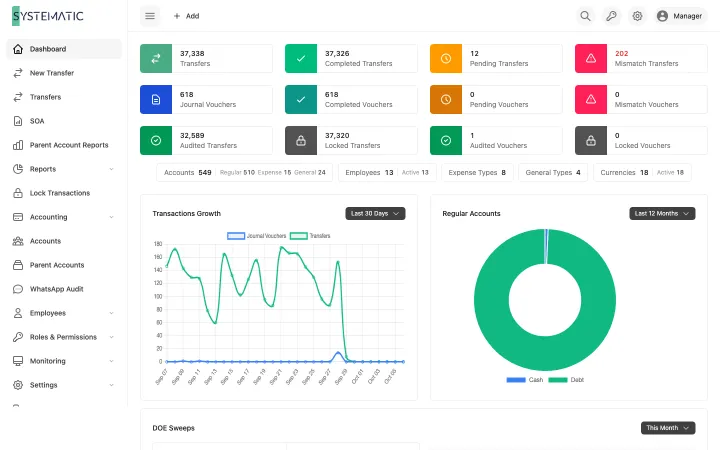
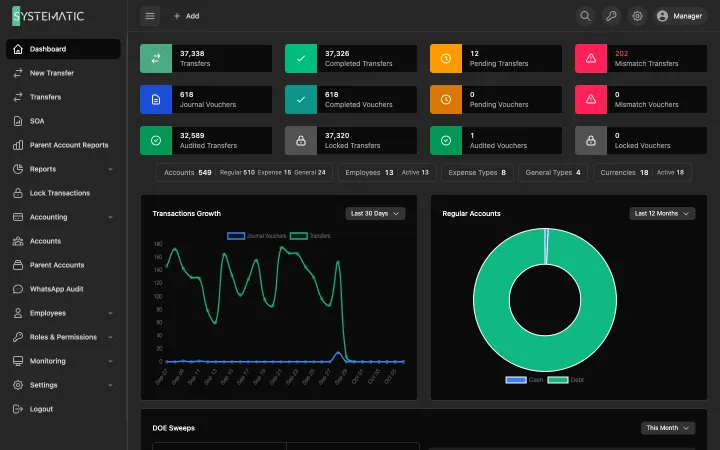
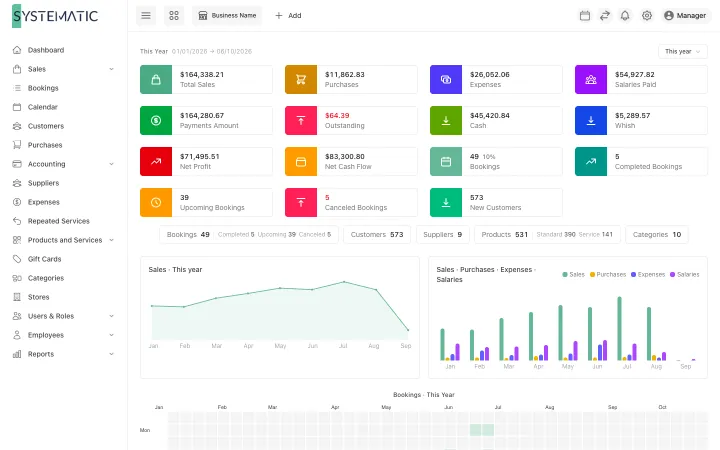
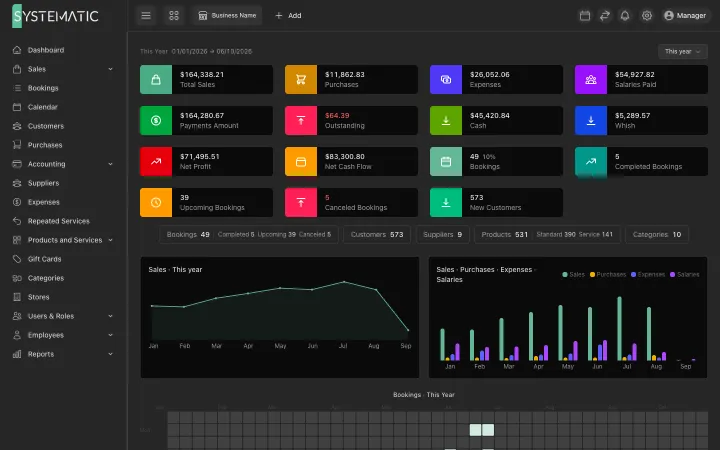
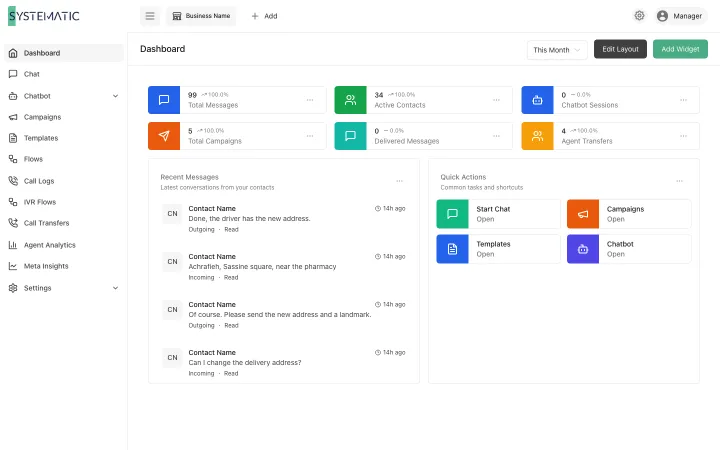
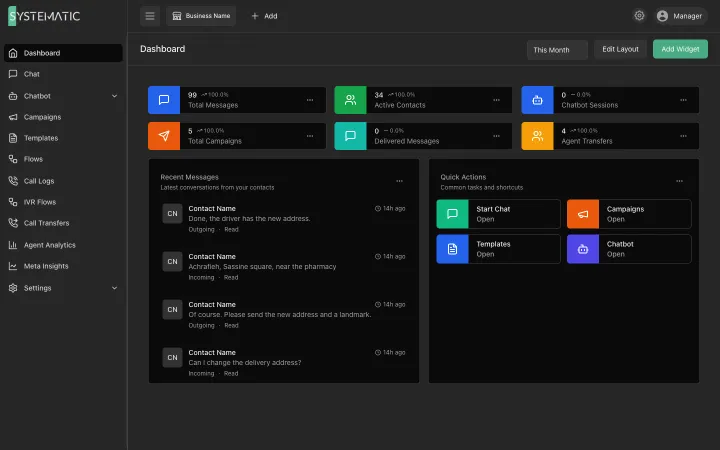
A look at the real screens
A selection of the screens, not all of them. These are the real layouts, filled with sample data. Open any screen to see it full size and zoom in.
Revenue, profit, cash flow and best sellers.
1 / 5 · Selling
Everything included, nothing to add on later.
Four kinds of product
Standard, combo, digital and service items, with variants such as size and colour.
Several warehouses
Stock per warehouse, with transfers and quantity adjustments.
Batches and expiry
Track batch numbers and expiry dates per product.
Barcodes and labels
Scan at the counter and print labels in Code 128, EAN-13 and more.
Point of sale
A fast checkout with a register per warehouse, held orders and coupons.
Quotations to sales
Quote, convert to a sale, deliver with a packing slip and take part payments.
Returns both ways
Customer returns restore stock; supplier returns reduce it and the balance owed.
Multi-currency purchasing
Supplier invoices in any currency, with exchange rates and landed costs.
Accounts and balance sheet
Cash and bank accounts, money transfers, profit and loss and a balance sheet.
HR and payroll
Departments, attendance, leave, holidays, payroll and overtime.
Roles and permissions
Decide what every user can see and do, screen by screen.
Online payments
Stripe, PayPal, Razorpay and Xendit for card payments.
E-invoicing (ZATCA)
Saudi e-invoicing, phase 1 and phase 2, built in.
WooCommerce sync
Products and orders kept in step with your online store.
Alerts
Stock and sales alerts by SMS, Telegram and email.
Reports you can export
Sales, purchases, profit and stock reports to PDF, CSV or Excel.
Who it is for
Other solutions
All solutions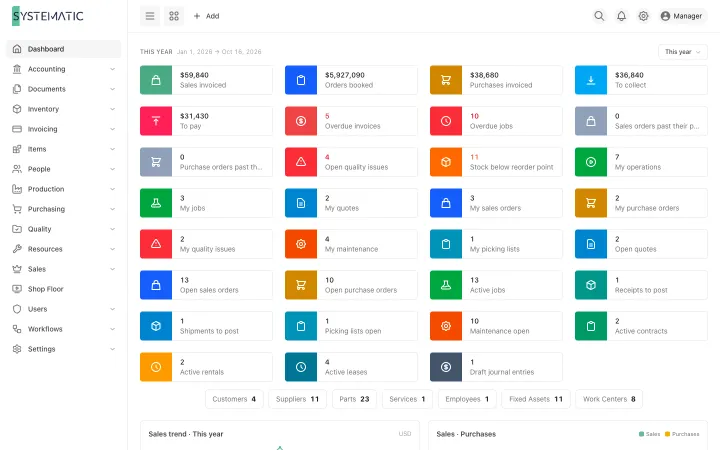
See it running on your own data
A demo on sample data, with your questions answered in writing.