

Systematic Bookings
Appointments, point of sale, staff pay and accounting in one system for salons and clinics.
Runs on Web · Tablet · Mobile
Built for Beauty salons · Barbershops · Nail and lash studios
Online booking, even when you are closed
24/7
Reports, from bookings to trial balance
28
Languages, with full Arabic
3
Online booking that knows each specialist's real availability, a calendar per staff member, a point of sale for services and products, commissions and payroll, and double-entry books underneath every sale.
Clients book themselves, only into real free time
A booking page in four steps: services, specialist, time, confirm. Open slots come from each specialist's shifts, breaks and existing appointments.
- Choose one service or several in one visit
- Pick a specialist, or any available one
- Phone number confirmed by a WhatsApp code
- Automatic WhatsApp reminders before the visit
Every specialist in one column
Day, week and month views with a column per staff member, a waiting list, cancellations and a button that finds the next free slot.
- Drag to move or resize an appointment
- Waiting list fills gaps from cancellations
- Force-book for VIP clients when you need to
- Chain several services across specialists
Checkout for services and products
Sell services, retail products and gift cards on one screen, with discounts, tax and several payment methods.
- Services, products and stock in one grid
- Cash, card, wallets and gift cards
- Hold an order and finish it later
- Printed receipts and order slips
Payroll built into the bookings
Each specialist has their own working days and hours, so clients can only book them when they are in. Their salary type decides the pay, every service adds their commission, and salaries, advances and payouts post straight to the accounts.
- Working days, hours, breaks and leave for each specialist
- Five salary types: flat salary, flat rate plus commission, commission only, fixed salary plus commission, or a share of net revenue
- Advances before the end of the month, capped at a percentage you set
- Salaries, advances and payouts posted to the books
The books keep themselves
Every sale, payment, payout and expense posts a balanced entry to the general ledger, with financial accounts for cash drawers, card terminals and wallets.
- General ledger with manual entries
- Chart of accounts with live balances
- Profit and loss, trial balance and cash flow
- Internal transfers between drawers and banks
Every number in the business, one menu away
Profit and loss, cash flow and trial balance next to daily sales, staff commissions, client balances and registers. Pick a period and the report is ready.
- Profit and loss, cash flow and trial balance
- Sales by day, month, service and branch
- Client dues, inactive clients and reminders
- Registers, purchases, expenses and product usage
Every client, their visits and what they owe
Each client has a profile with contact details, notes, every past booking and sale, and their balance. Reports show who has not come back and who is due today.
- Visit and purchase history per client
- Outstanding balances and dues
- Inactive clients to win back
- Clients of the day and reminders
Bring clients back
See who is due for a visit and send a WhatsApp reminder in one tap, and find the clients who have not come back for a while.
- Upcoming visits with a WhatsApp reminder button
- Inactive clients and days since their last visit
- Clients of the day and what they had
- Visits and spend per client
Several branches, one system
Each branch has its own staff, services, stock and registers, and one report compares sales, bookings and clients across all of them.
- Staff, services and stock per branch
- Sales, bookings and clients per branch
- Switch branch from the top bar
- Reports for one branch or all
Know what each service uses
Record the products used during each service, such as colour, wax or creams, with their cost, so you know what each service really costs.
- Supplies used per service
- Who used what, and when
- Internal-use stock per branch
- The real cost of each service
Every register and every wallet
Each register session shows its cash, card and wallet payments, and every amount of cash put into a register is kept with its note.
- Cash, card and wallets per session
- Cash put into the register, with a note
- Totals by day, month or year
- Every session kept on record
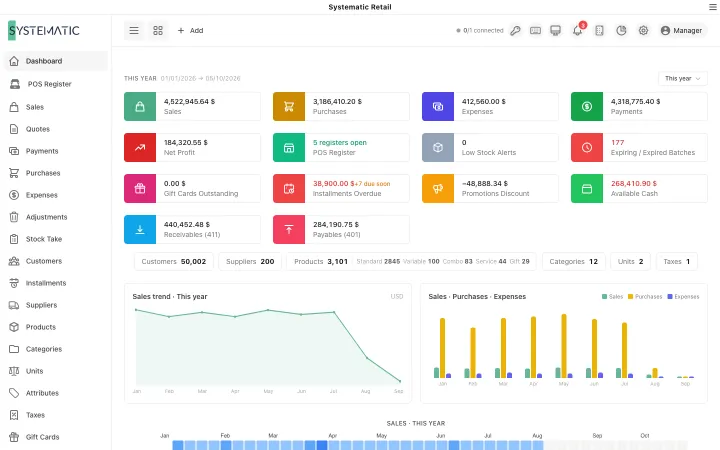
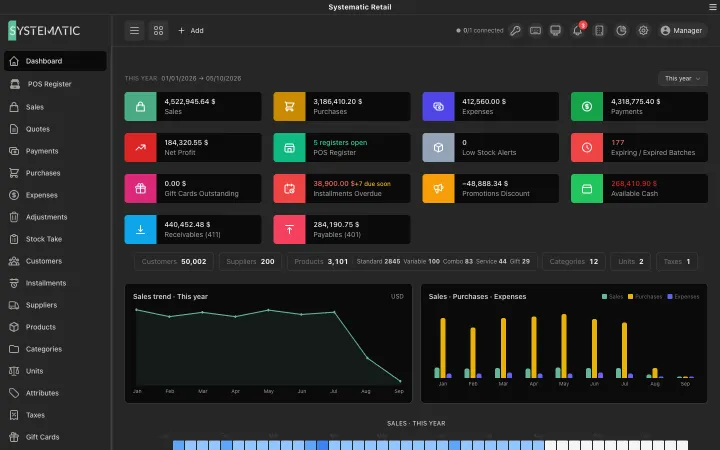
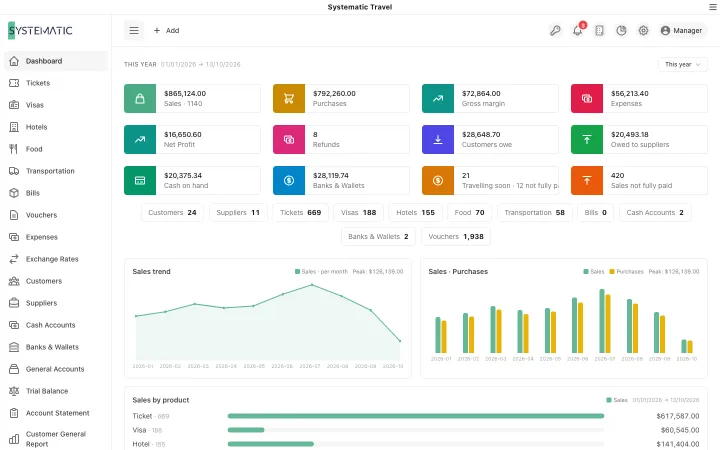
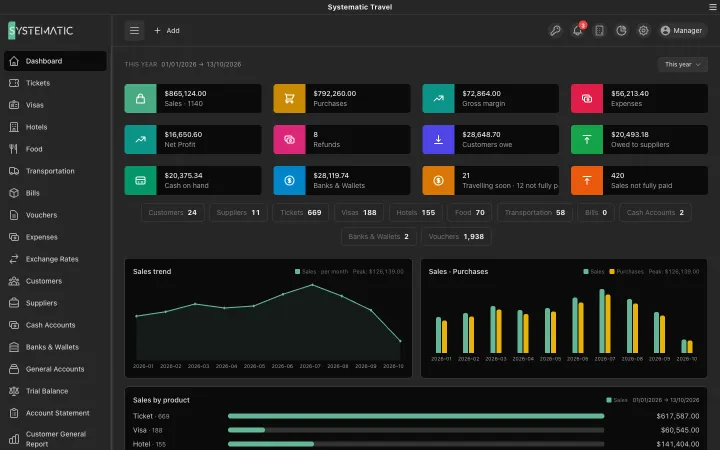
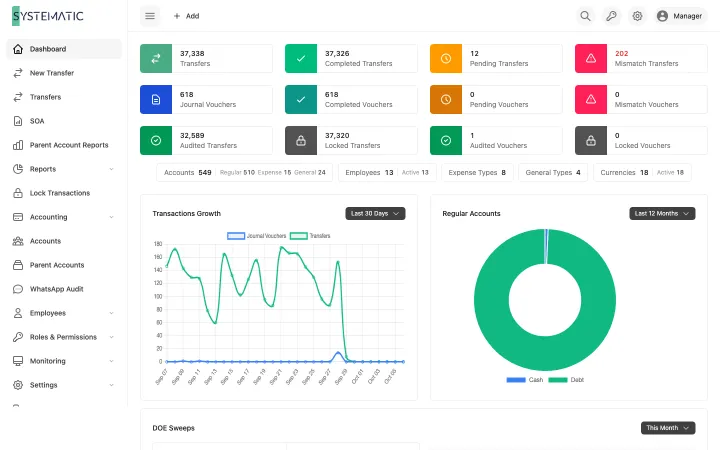
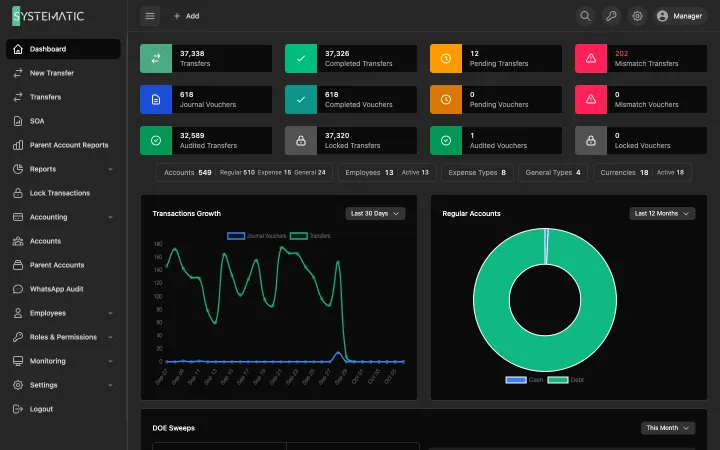
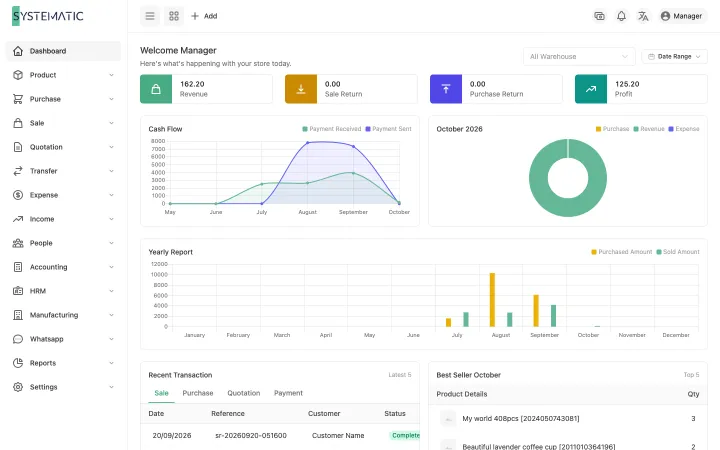
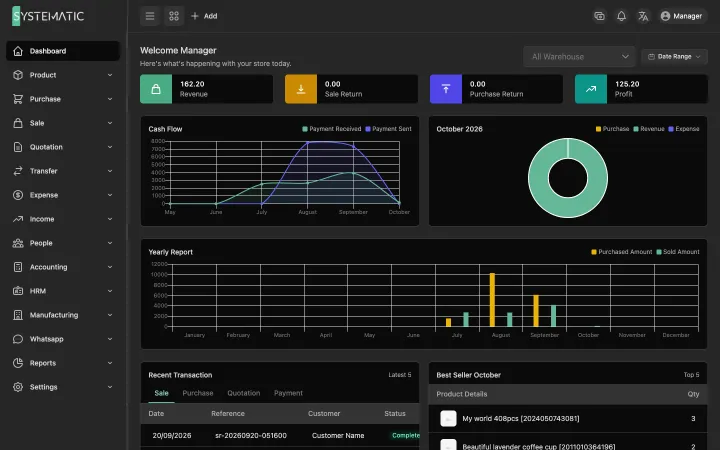
A look at the real screens
A selection of the screens, not all of them. These are the real layouts, filled with sample data. Open any screen to see it full size and zoom in.
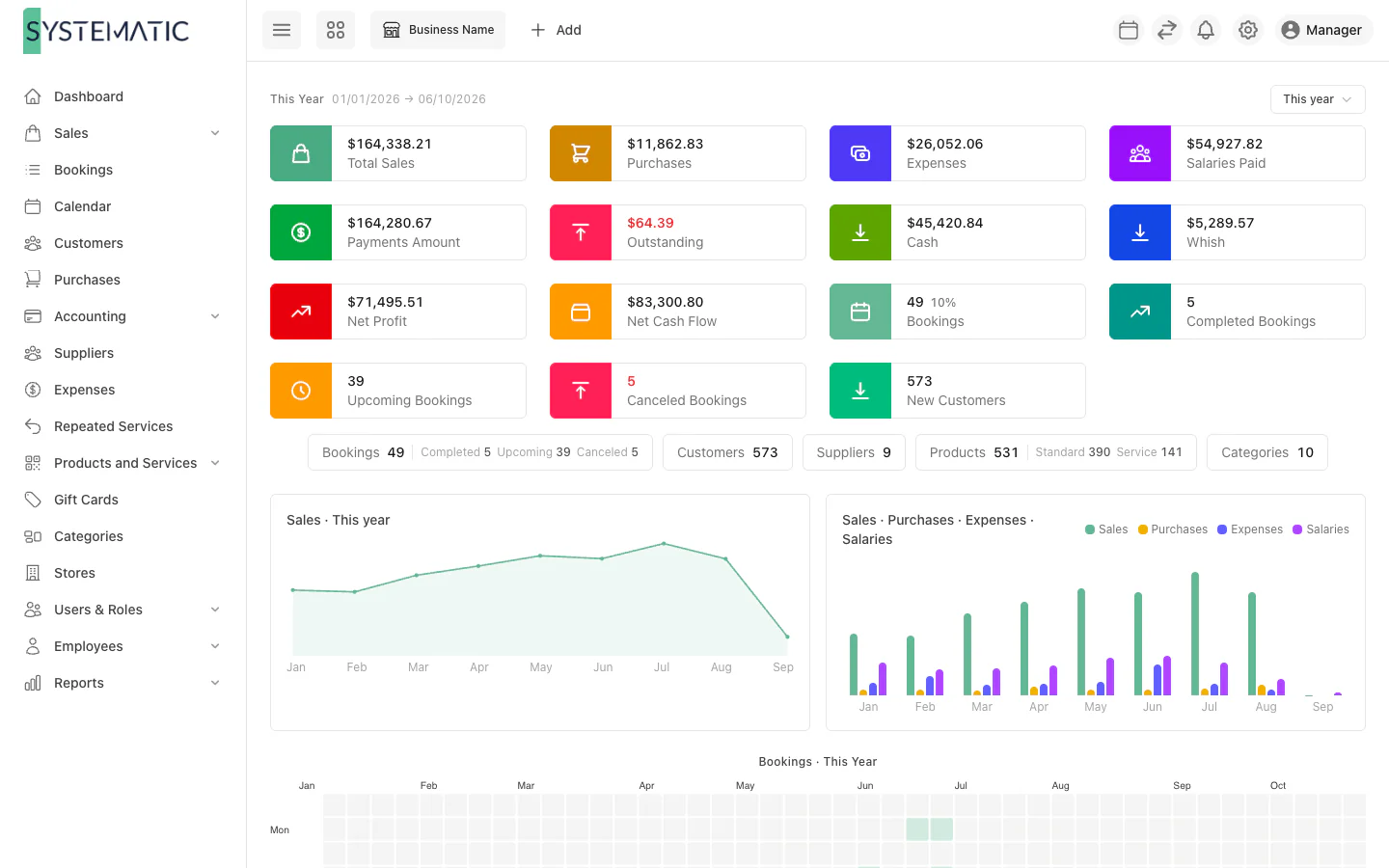
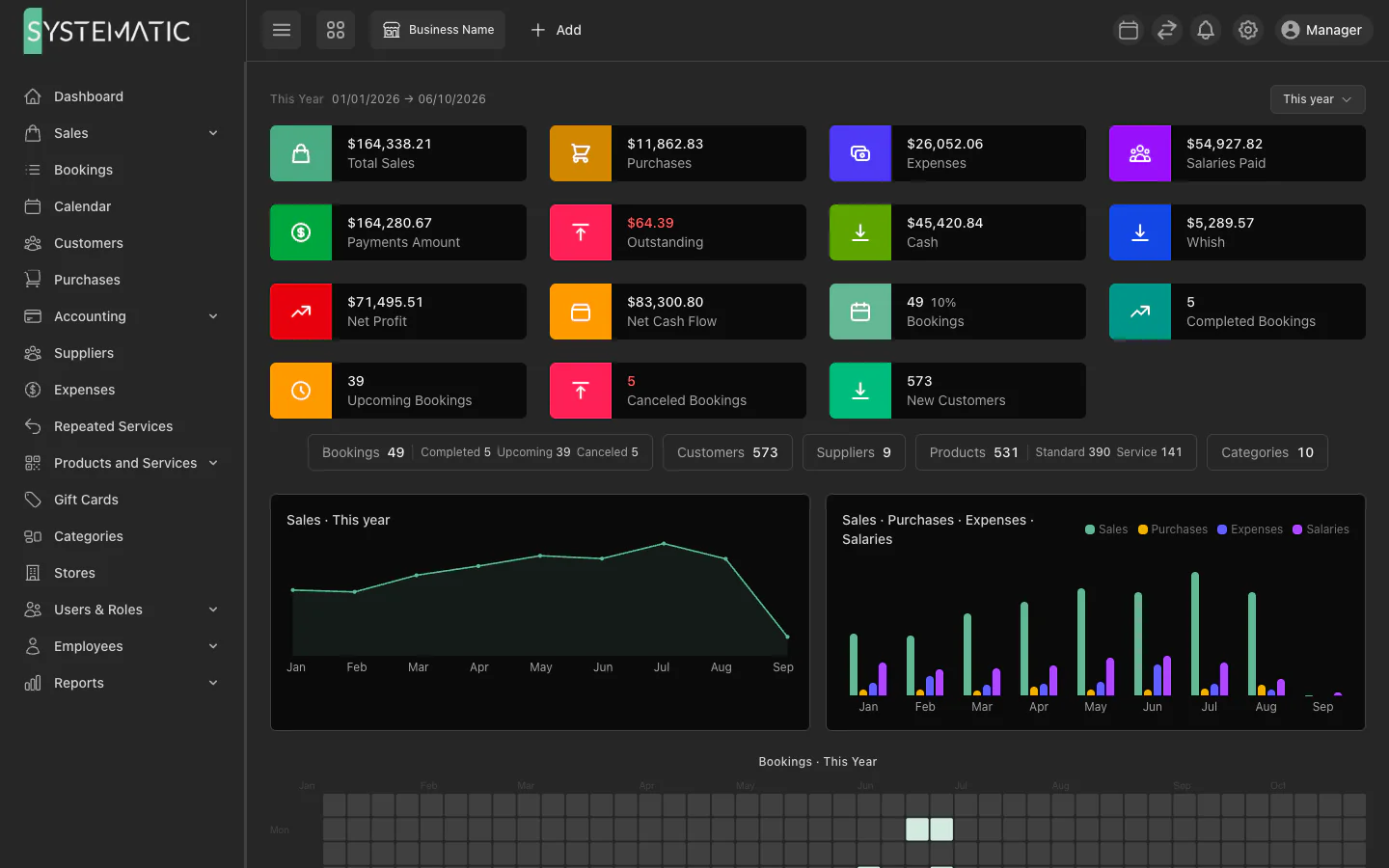
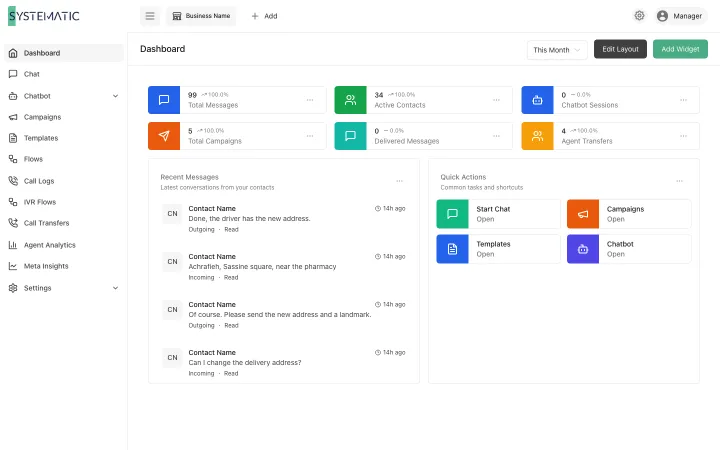
Sales, bookings, cash and staff at a glance.
1 / 5 · Front desk
Everything included, nothing to add on later.
Online booking
A booking page for clients, with WhatsApp code verification.
Smart availability
Open slots from shifts, breaks and existing appointments.
WhatsApp reminders
Confirmations and reminders sent automatically.
Point of sale
Services, products, gift cards and held orders.
Staff and commissions
Working days and hours per specialist, leave, and commission per service.
Payroll
Five salary types, monthly payroll, and unpaid leave deducted.
Advances with a limit
Pay staff before the end of the month, up to a percentage you set.
Payroll in the accounts
Salaries, advances and payouts posted to the general ledger.
Double-entry accounting
General ledger, chart of accounts, P&L and trial balance.
Inventory and product usage
Retail stock and products used during services.
Purchases and expenses
Suppliers, purchases, expenses and repeated services.
Several branches
Stores with their own staff, stock and reports.
Roles and permissions
Granular access for owners, managers and staff.
28 reports
Profit, cash flow, sales, staff, clients, dues and reminders.
Custom fields
Add your own fields to bookings, clients and sales.
Gift cards
Sell prepaid gift cards and redeem them at the counter.
Client history and balances
Every visit, purchase and note per client, with what each one owes.
Discounts and held sales
Discounts per line or per bill, and sales parked to finish later.
Drag-and-drop calendar
Move or resize an appointment, keep a waiting list and find the next free slot.
Who it is for
Other solutions
All solutions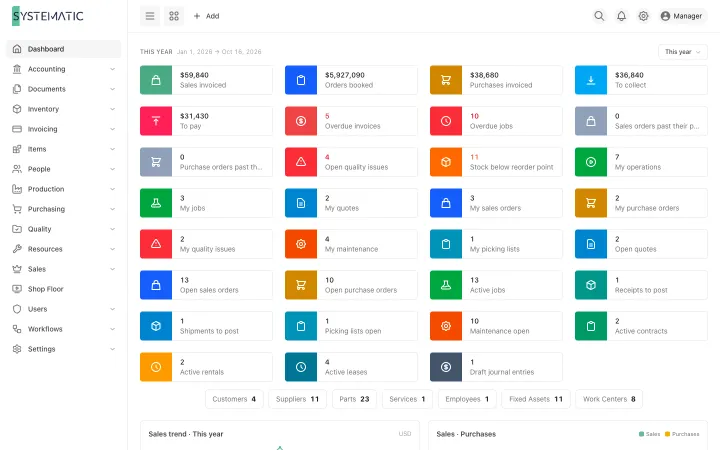
See it running on your own data
A demo on sample data, with your questions answered in writing.