

Systematic Retail
A point of sale with real accounting underneath, that keeps selling with no internet.
Runs on Windows · macOS · Linux
Built for Supermarkets · Pharmacies · Retail stores


Internet needed for daily selling
0
Permissions you can grant per role
94
Reports, from shift Z to balance sheet
50+
An offline-first desktop point of sale and full double-entry ERP for supermarkets, pharmacies and retail stores. Every sale posts a balanced journal entry, so your books never drift from your till.
A checkout built for queues
Categories, a product grid and the order side by side. Scan, search or tap, with a shortcut for every action.
- Barcode scanning and product search
- Several open orders at once
- Cart discounts, promotions and coupons
- Manager PIN to approve blocked actions
Every drawer accounted for
Open and close registers per cashier, pay in and pay out, and see what each drawer should hold.
- Opening float and closing count per shift
- Cash in two currencies, rate frozen on each sale
- Split payment across methods and currencies
- Shift reports for every register
A full accounting system inside the till
Every sale, purchase, payment and adjustment posts a balanced journal entry in the same transaction, so the books are always up to date and always reconcile.
- Chart of accounts, journal vouchers and opening balances
- Trial balance, balance sheet and cash flow from the posted journal
- Account and partner statements, receivables and payables ageing
- Fixed assets, recurring entries, bank reconciliation and period close
Every number your shop needs
Over fifty reports grouped by accounting, inventory, sales and security, all searchable from one screen.
- Stock valuation, low stock, expiry and dead stock
- Sales by hour, category, cashier and customer
- Installments, loyalty points and gift cards
- Audit logs for refunds, voids and PIN overrides
Everything about one customer on one page
Open a customer or a supplier to see what they owe, how late it is, and their sales, payments and statement, a page at a time even with years of history. Every ledger account and every employee has a page of its own too.
- What is owed, split into not yet due, 30, 60, 90 and over 90 days
- Sales, payments and statement under one name
- Each account month by month, with every line and its balance
- Each employee’s sales and shifts
Several tills, one set of books
Pair every till in the shop over your local network. They share one set of books and keep working if the link drops.
- One host computer, any number of paired tills
- Encrypted connection between tills
- Encrypted backups to the device and the cloud
- Signed licence, checked offline
Stock that matches the books
Every sale books its cost from moving average or from the exact batch it came from. Stock takes, damage and expiry post their own entries, so stock value and the ledger never drift apart.
- Batches with expiry, sold earliest first
- Page-by-page stock take with variance at cost
- Returns, damage, expired and found stock as adjustments
- Low stock and expiring soon on the dashboard
Two currencies at the counter, one set of books
Set a base currency and add others with their own rates. A customer can pay part in one currency and part in another, each going to its own drawer, and the rate stays frozen on the receipt.
- Unlimited currencies, one base
- Rate frozen on every sale and payment
- Exchange gains and losses posted automatically
- One drawer per currency, reconciled per shift
Each person sees only what they should
Give each role exactly the permissions it needs. Discounts, refunds and voids beyond the limit need a manager PIN, and every attempt is logged.
- About 94 permissions across every module
- Cashier, accountant and owner roles, plus your own
- Manager PIN with lockout after wrong attempts
- Refund, void and PIN audit logs
Set the shop up the way it works
One settings page covers the whole shop: branches, sign-in at the till, promotions, purchasing, fiscal close, payment methods and terms, price groups, scale barcodes, currencies, loyalty, batches and expiry, variants and receipts.
- Sixteen groups of settings on one page
- How cashiers sign in: name and PIN, or PIN only
- Scale barcodes with price or weight inside
- Receipt header, footer and printer per till
Accounting rules you decide
Choose how stock is valued and when cost of sales is booked, how amounts are rounded at the till, how many decimals money, quantities and weights carry, and the rules for credit, installments, budgets and deferred payments.
- Moving average or FIFO, perpetual or periodic
- Cash rounding and the cashier discount limit
- Credit hold, sale edit window and installment plans
- Departments, budgets and financing income
Every way of paying, posted to the right account
Add the ways your customers pay, say whether each one settles now or later like a cheque, and set payment terms and price groups for customers who buy on account.
- Instant or deferred settlement per method
- Cheques tracked until they clear or bounce
- Payment terms such as Net 30
- Price groups for wholesale and VIP customers
Offers the till applies by itself
Percent or fixed discounts, coupons and buy-X-get-Y offers apply at checkout on their own, with usage limits per customer, and a promotion can never sell below cost.
- Percent off, fixed amount off and coupons
- Buy X, get Y free or discounted
- Usage caps in total and per customer
- Never below cost or the minimum price
Loyalty points, batches and expiry dates
Customers earn points on every sale and spend them at the till. Products with batches sell oldest first, and anything close to its expiry date is flagged before it is too late.
- Points earned per amount spent, redeemed at the till
- Batches sold first-expired, first-out
- Alerts for batches about to expire
- Variants with their own SKU and barcode
Close the month properly
Depreciate fixed assets, post recurring entries such as rent, revalue foreign-currency balances and close the period into retained earnings, from one month-end screen.
- Fixed assets with monthly depreciation
- Recurring entries posted on schedule
- Foreign-currency revaluation
- Bank reconciliation and period close
A look at the real screens
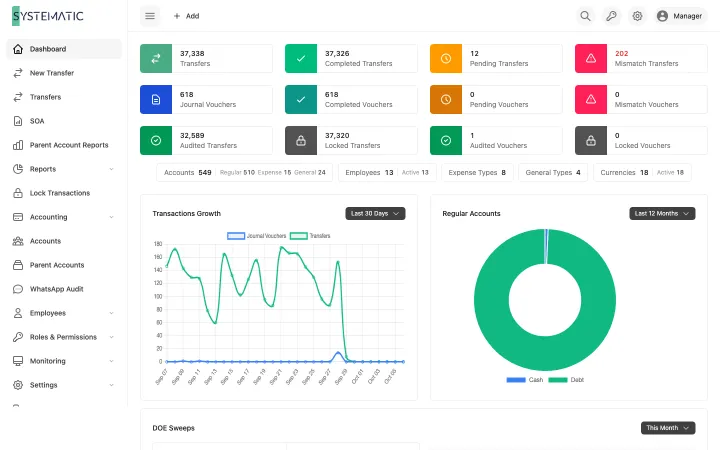
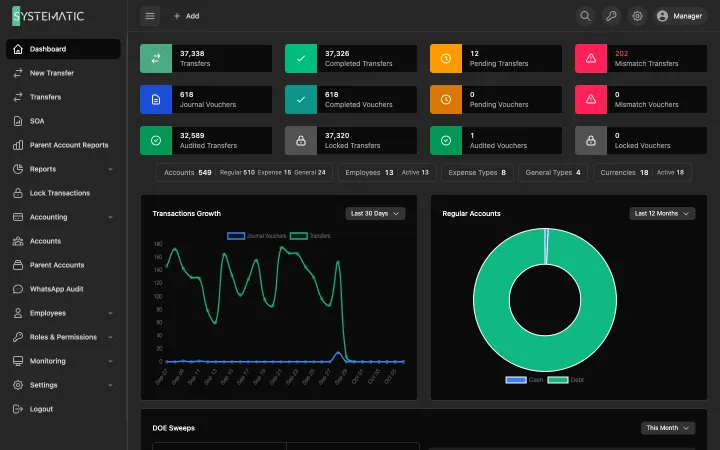
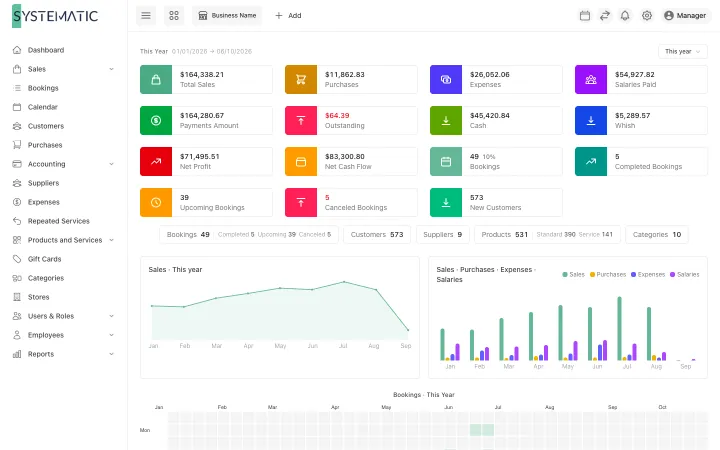
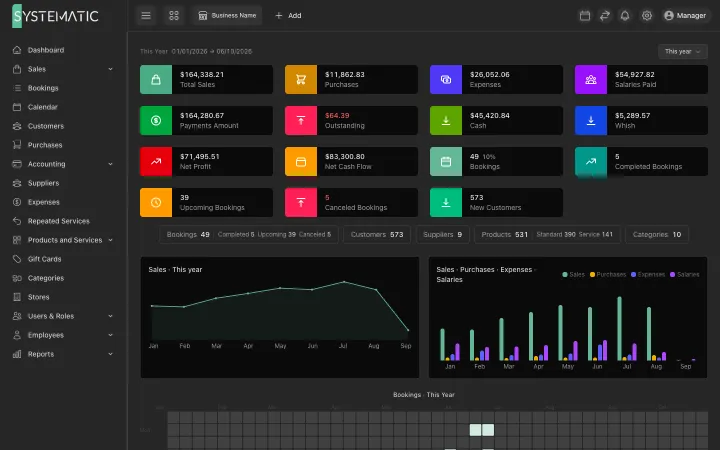
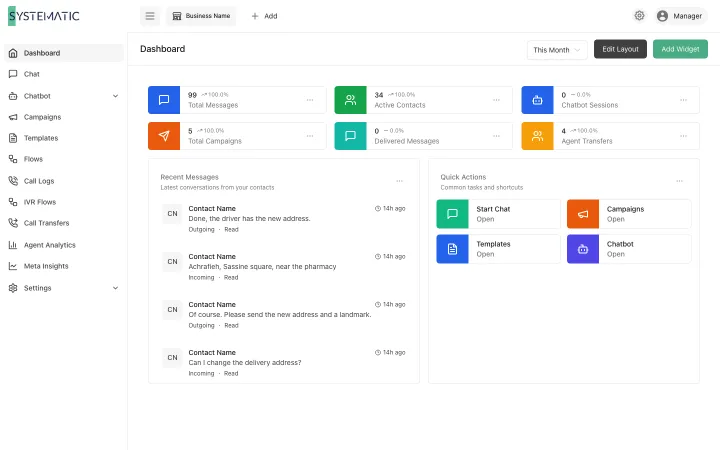
A selection of the screens, not all of them. These are the real layouts, filled with sample data. Open any screen to see it full size and zoom in.
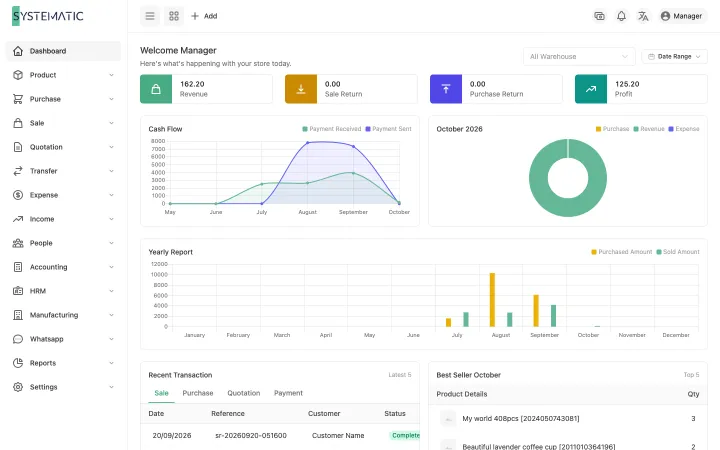
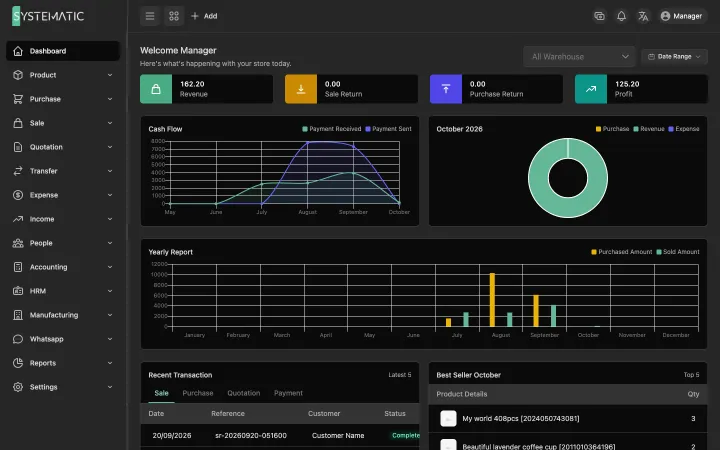
Sales, profit, cash and alerts for any period.
1 / 5 · Selling
Everything included, nothing to add on later.
Works offline
Every sale, stock move and report runs on the till itself, with no internet.
Double-entry under every sale
Sales, purchases, payments and stock moves post balanced journal entries as they happen.
Multi-currency with frozen rates
One base currency and any number of others, with the rate kept on each document.
Split payment in two currencies
Pay in several methods and currencies at once, each to its own cash drawer.
Batches and expiry
Earliest-expiry stock sells first; expired lots are never sold.
Moving average cost
Cost of goods booked on every sale, so stock value and the ledger always agree.
Paired tills
Several tills share one set of books over the shop network, encrypted end to end.
Roles and manager PIN
About 94 permissions, fixed system roles and a manager PIN with lockout.
Shift Z and X reports
Open and close registers, count cash per drawer and per cashier.
Around 40 reports
Sales, stock, expiry, statements, balance sheet, cash flow and VAT return.
VAT return
Output and input VAT tracked on every document, with the return ready to file.
Encrypted backups
Automatic AES-256 backups on every shift, kept locally and on Google Drive.
Customers and loyalty
Credit customers, statements, loyalty points and gift cards.
Period close
Lock a month and nothing can be posted into it again, even from another till.
Scale barcodes
Weight and price embedded barcodes read straight from the scale label.
Windows, macOS and Linux
One app on every desktop, with signed automatic updates.
Who it is for
Other solutions
All solutions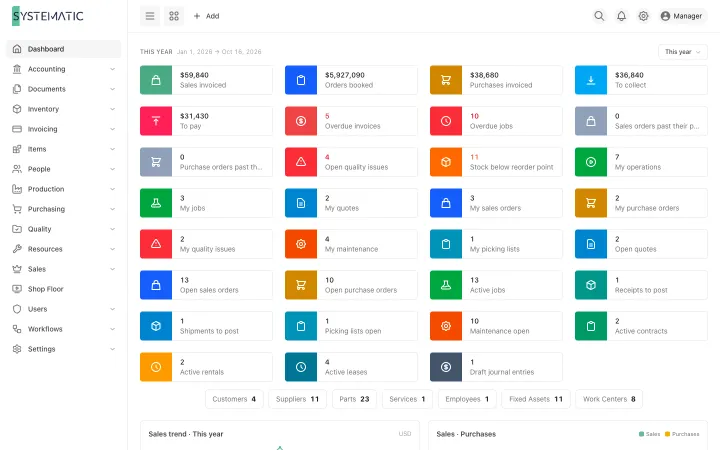
See it running on your own data
A demo on sample data, with your questions answered in writing.